
Create your first song
Open a new song, paste a chart or start typing, and shape it in the editor.
Open Songs
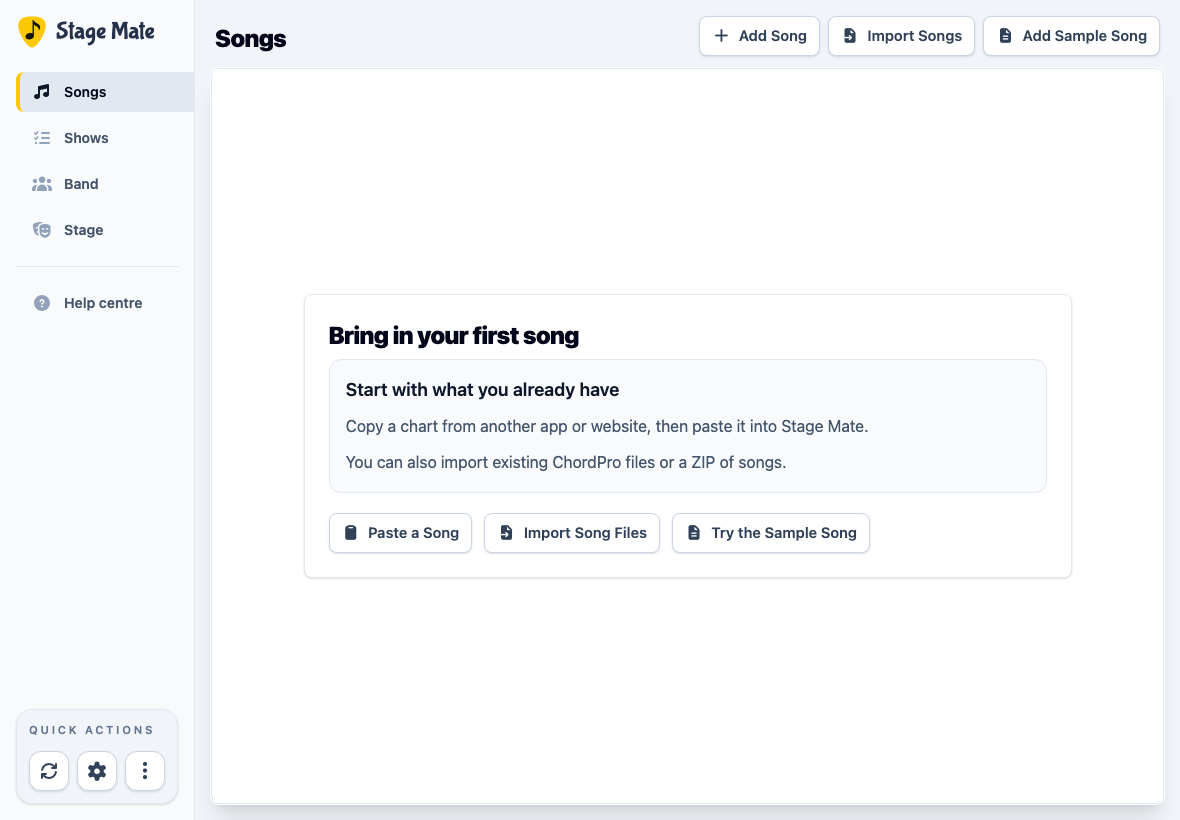
Choose Songs from the main navigation. This is your band's shared song library.
Start a new song
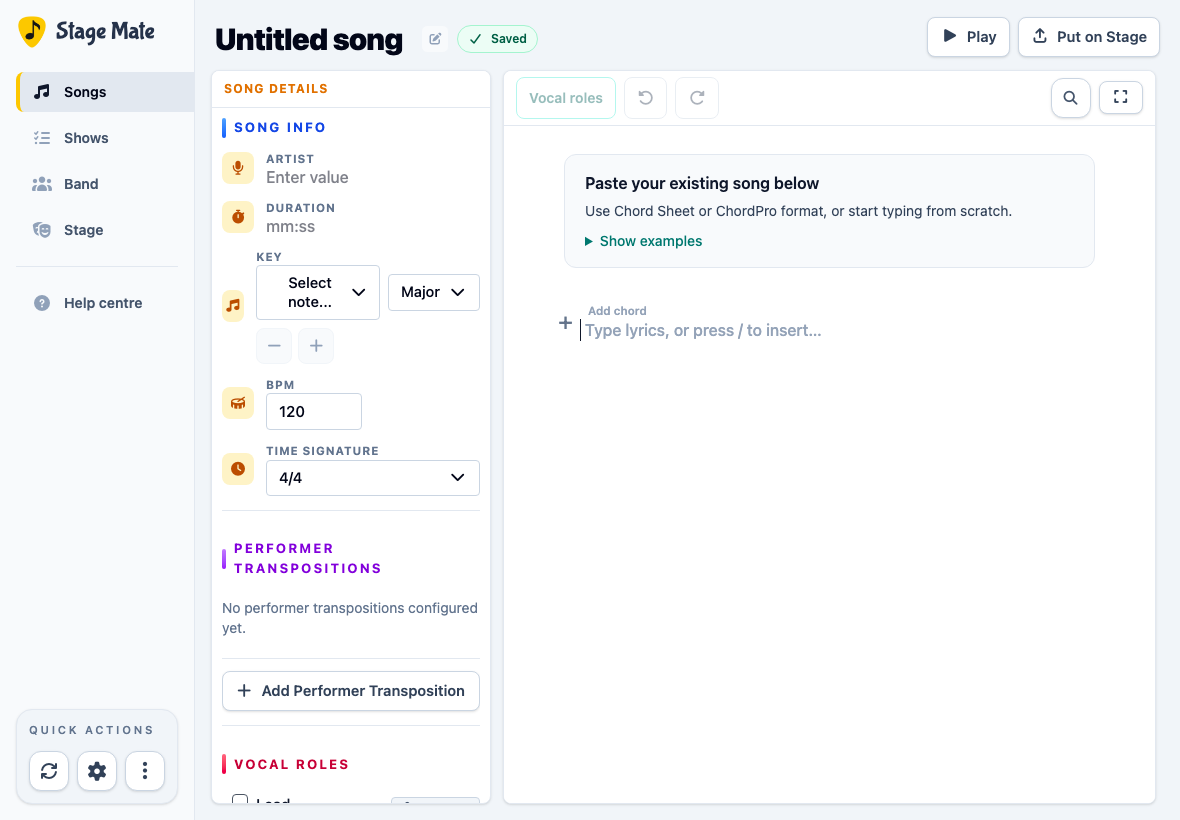
Choose Add Song. Stage Mate immediately creates an “Untitled song” draft and opens it in the editor. You can start typing straight away.
Paste a chart or write your own
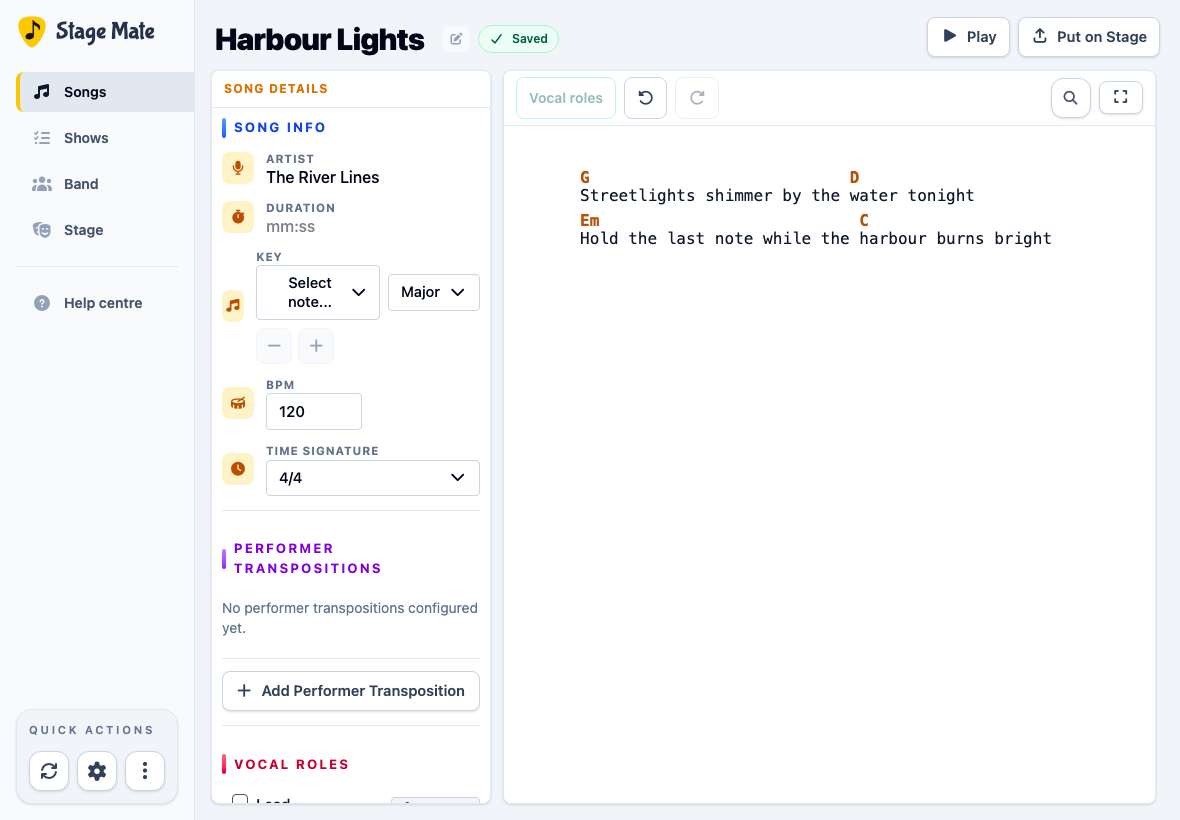
Paste a Chord Sheet with chords above the lyrics, or ChordPro with chords such as [G] inside lyric lines, into the document. You can also type lyrics and add chords as you go.
The first structured paste into an untouched draft can fill supported details such as title, artist, key and BPM. Later pastes add chart content without replacing existing song details.
If a warning lists unsupported details, review and dismiss it, then check the result. Stage Mate has already imported what it can.
Make the song ready for the band
Choose the title at the top to name or rename the song.
Edit the chords and lyrics directly in the chart. Use Song Info for details such as key, BPM, time signature and duration. The other panels can wait until you need them.
Frequently asked questions
These answers cover the most common questions when adding an individual song.