
Quick start
Build your first show
Arrange songs from your library into a saved running order.
1
Create a show
Open Shows from the main navigation and choose Add Show. Give the show a name and choose Create Show to open its editor. You can add a description and songs later.
2
Add songs to Set 1
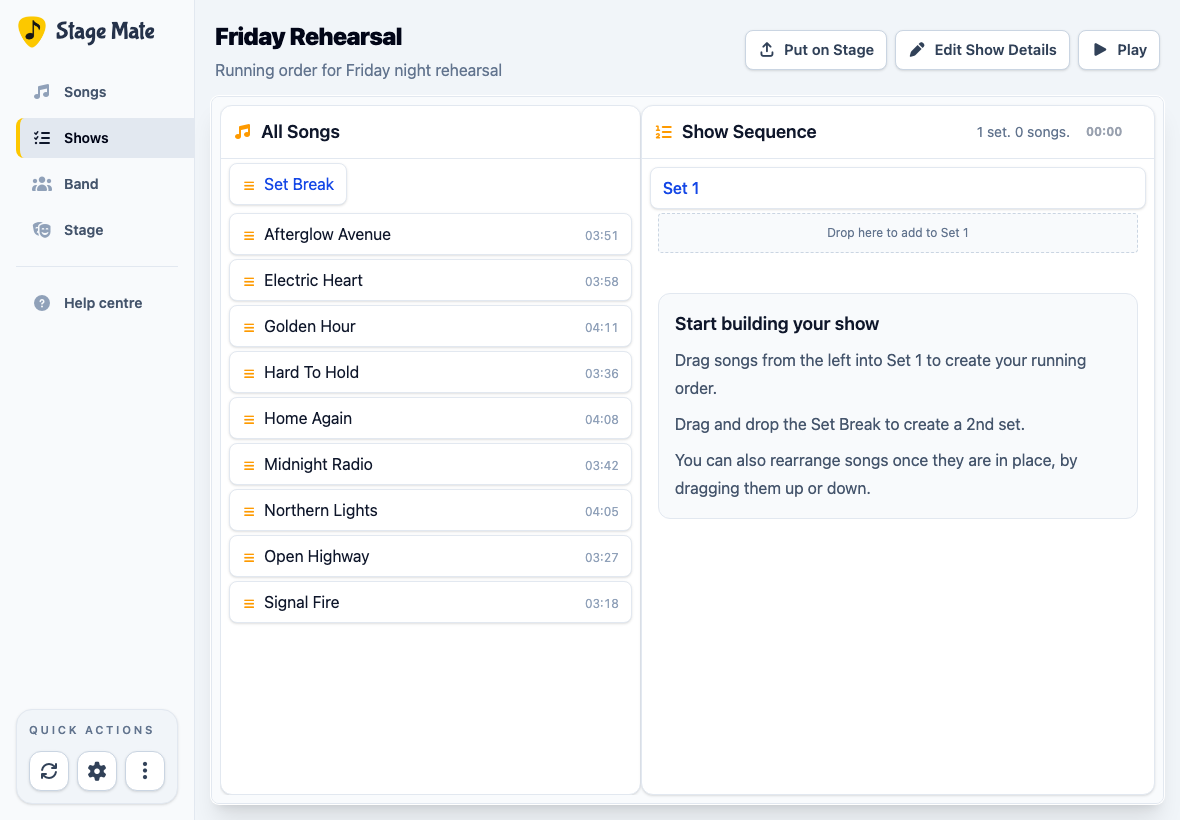
Drag songs from All Songs into Set 1 in the Show Sequence. Each song stays in your library.
3
Arrange the running order
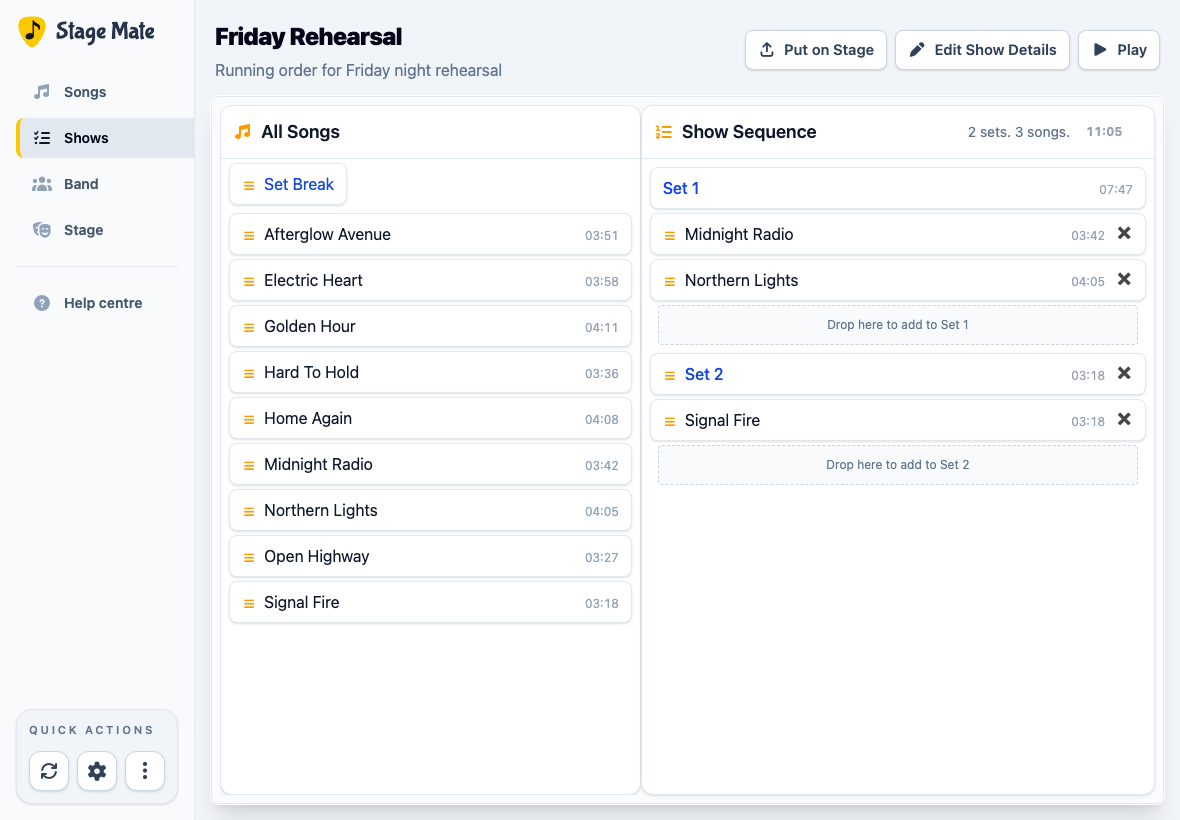
Drag songs up or down to reorder them. To start a new set, drag Set Break into the sequence and add songs beneath it.
4
Open your saved show
Choose Play to open the show on this device. On Duo and Band plans, Put on Stage shares the running order with devices following your Stage.