
Highlight vocal parts
Assign vocal parts to lyrics so every singer can see who sings each section. Unhighlighted lyrics use “Lead Vocal”.
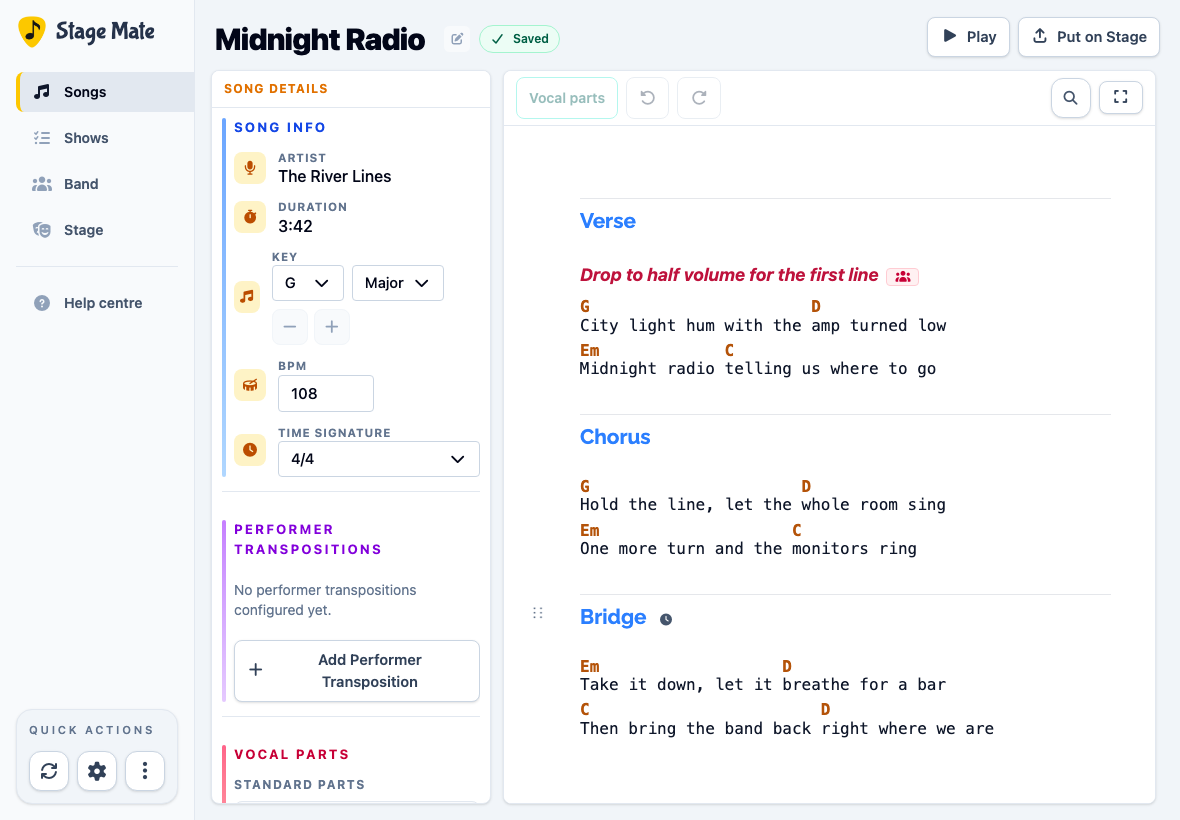
Open the song in the editor
Vocal highlighting is part of the editable chart. Keep the song open in the same editor you use for chords and lyrics.
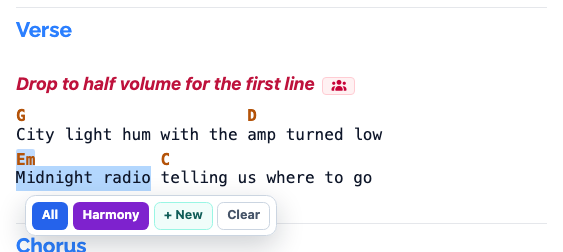
Select lyrics and choose a vocal part
Drag across the exact lyrics you want to assign. On desktop, the Vocal Parts pop-up opens automatically. Choose “All” or a song-specific vocal part such as “Harmony”.
Click “+ New” to add a new vocal part.
On a touch device, select the lyrics, then tap Vocal parts to open the pop-up.
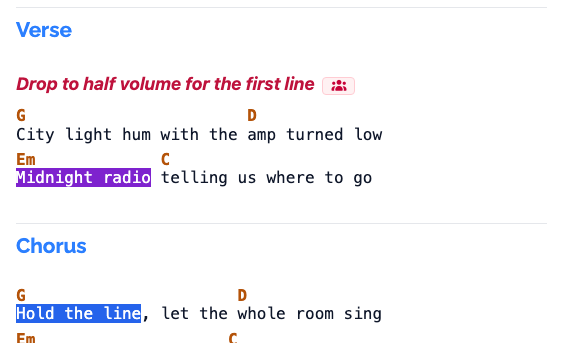
Mark the remaining lyrics
Continue through the song, selecting lyrics and assigning vocal parts to them.
Remove a highlight
Select highlighted lyrics and choose Clear from the Vocal Parts pop-up.
Change the vocal part
Select highlighted lyrics and choose another vocal part from the Vocal Parts pop-up.
Preview the vocal parts
Choose Play to preview how the vocal parts will be displayed during performance.
Frequently asked questions
Vocal highlighting shows which vocal part is assigned to each highlighted lyric.