
Set up vocal parts
Name the singing parts in a song and record which band members perform them.
Open the song you want to organise
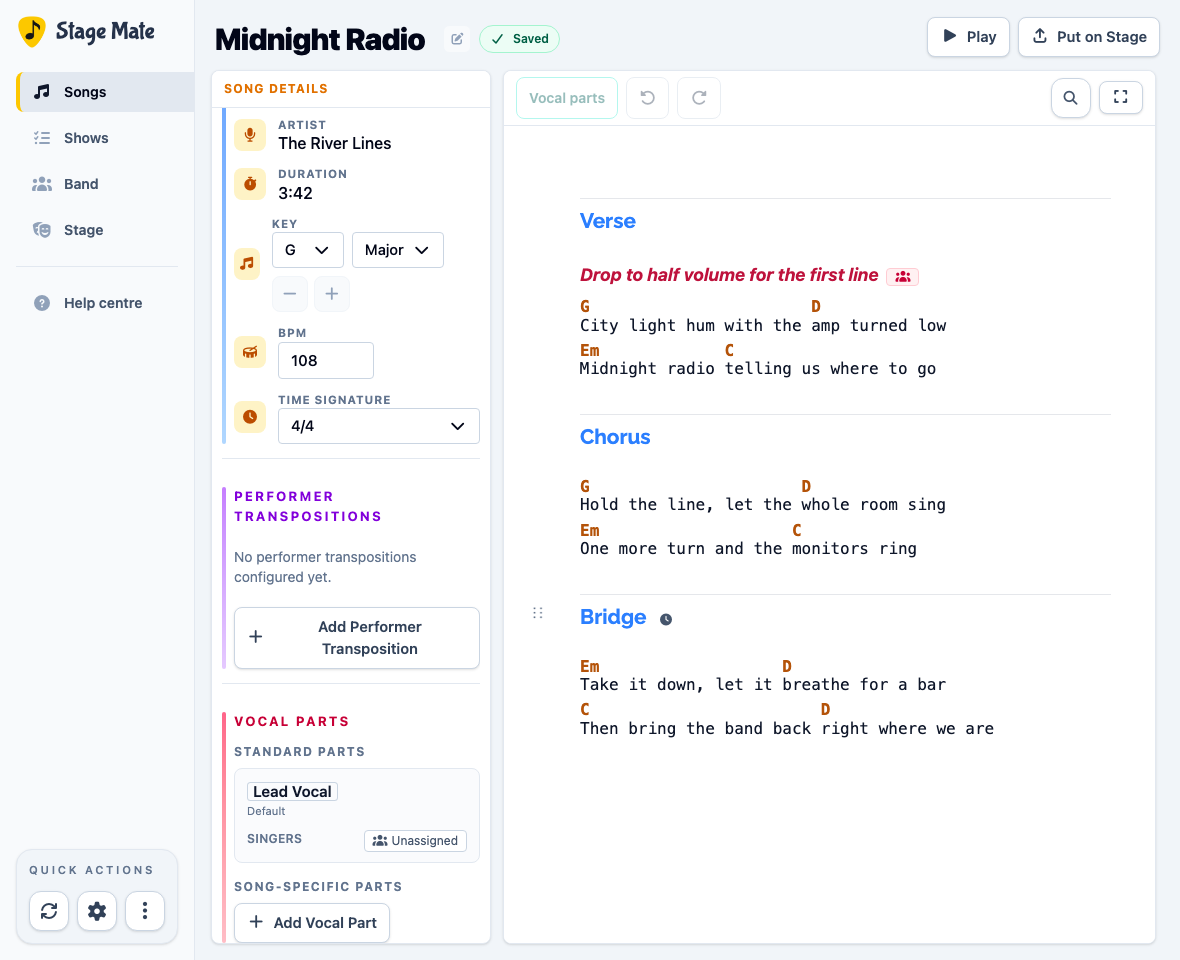
Open the song in the editor and find Vocal Parts in Song Details.
Understand the standard parts
Every song has two standard vocal parts built in: “Lead Vocal” and “All”.
The vocal part called “Lead Vocal” is the default for any lyrics that are not highlighted. The vocal part called “All” is for lyrics sung by every singer.
Add a song-specific vocal part
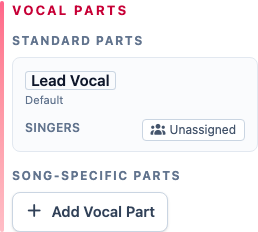
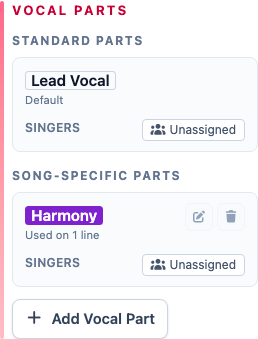
If you want to add additional vocal parts beyond the built-in “Lead Vocal” and “All” parts, choose Add Vocal Part and enter a useful name such as “Harmony”, “Response” or “Second Lead”.
Assign the singers
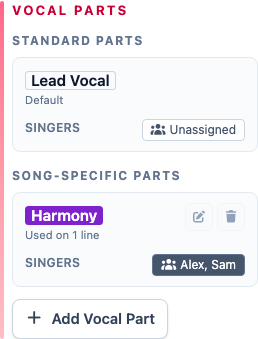
To assign singers to a particular vocal part, choose the Unassigned button beside that part. Select one or more band members, then choose Apply.
The vocal part called “All” does not need an assignment because it means every singer.
Mark the lyrics
The vocal parts now describe who sings, but they have not yet been assigned to lyrics. Continue with Highlight vocal parts to mark the exact lyrics.
Frequently asked questions
Vocal parts identify who sings; lyric highlighting connects those parts to exact words.